

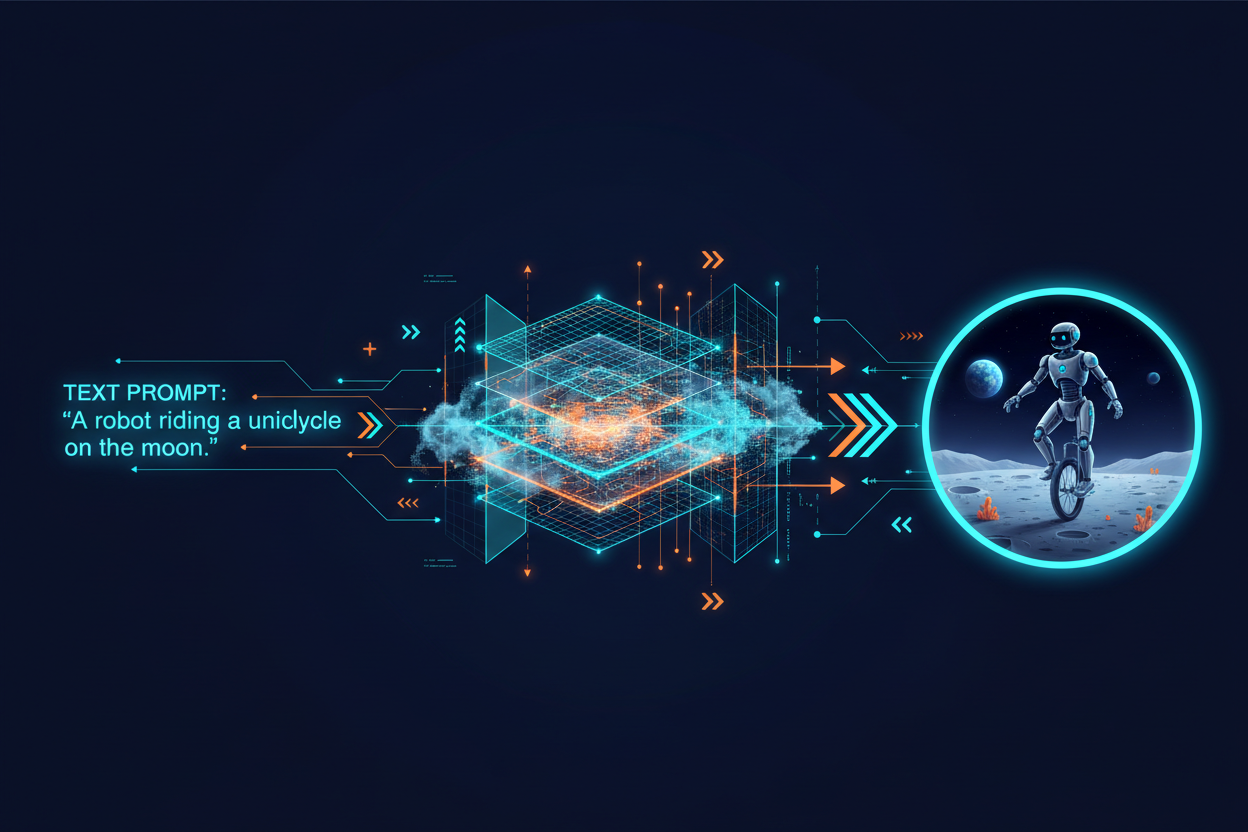
As AI image generation tools become more accessible, many businesses are using AI-generated artwork for signage, banners, vehicle wraps, wall graphics, and exhibition displays. While AI can be an excellent tool for concept development and visual inspiration, it often falls short when it comes to professional large format printing.
At the same time, there's a widespread misconception that supplying a file with a .AI extension automatically means the artwork is print-ready. Unfortunately, that's not always the case.
Let's explore why AI-generated artwork and improperly prepared .AI files can create costly problems in large format production.
The Resolution Problem with AI Artwork
Most AI-generated images are created as raster files (pixels), not vector graphics.
When viewed on a computer screen, AI artwork may appear sharp and detailed. However, large format printing often requires artwork to be produced at several metres wide. When an AI-generated image is enlarged beyond its native resolution, problems quickly emerge:
- Pixelation
- Soft edges
- Blurred details
- Visible artifacts
- Loss of image quality
For example, an AI image generated at 2048 × 2048 pixels may look impressive online but can become unsuitable when stretched across a 3-metre-wide banner.
Why This Matters
Large format printers reproduce every pixel that exists in the source file. Unlike a screen, which may hide imperfections, printed output often exposes quality issues that become obvious at close viewing distances.
AI Artwork Often Lacks True Vector Data
Many logos, illustrations, and graphic elements used in signage are best produced as vector artwork.
Vector graphics:
- Scale infinitely without losing quality
- Produce crisp edges at any size
- Generate cleaner cutting paths
- Are ideal for CNC routing and vinyl cutting
Most AI-generated imagery produces raster artwork rather than editable vector objects. Even when vectorisation software is used afterward, the results can be:
- Excessively complex
- Poorly constructed
- Difficult to edit
- Inaccurate compared to professionally drawn vectors
This creates production challenges for sign makers, designers, and installers.
Colour Accuracy Can Be Unpredictable
AI generators are designed to create visually appealing images—not colour-managed print files.
Common issues include:
- RGB colour profiles instead of CMYK
- Colours outside printable gamut
- Inconsistent brand colours
- Unpredictable gradients
- Poor colour matching between print runs
For businesses with established brand guidelines, this can become a serious issue.
A logo blue that appears perfect on a monitor may reproduce significantly differently when printed on vinyl, fabric, ACM panels, or paper stock.
AI Images Are Difficult to Edit
Traditional artwork created by a designer is structured and editable.
Elements can be adjusted independently:
- Text
- Logos
- Shapes
- Backgrounds
- Colours
AI-generated images are typically flattened.
This means:
- Text cannot easily be corrected
- Logos cannot be isolated
- Elements cannot be recoloured precisely
- Layout revisions become time-consuming
If a customer requests a minor change, the entire image may need to be regenerated or rebuilt.
Text Generated by AI Is Often Unusable
One of the biggest limitations of AI-generated artwork is typography.
AI systems frequently produce:
- Misspelled words
- Distorted characters
- Inconsistent spacing
- Unreadable fonts
- Gibberish text
For signage and promotional displays, messaging must be accurate and legible.
Professional sign production requires:
- Editable text
- Proper font management
- Consistent typography
- Accurate spelling
AI-generated text rarely meets these requirements without significant redesign work.
The Pitfalls of .AI Artwork Files
Many clients assume that because a file has a .ai extension, it is automatically suitable for production.
Unfortunately, this is one of the most common misunderstandings in the print industry.
A file can be saved as an Adobe Illustrator (.AI) document and still contain serious production issues.
A .AI File Does Not Guarantee Vector Artwork
One of the biggest misconceptions is:
".AI means vector."
Not necessarily.
Many Illustrator files simply contain placed raster images.
Examples include:
- JPEGs
- PNGs
- Photoshop artwork
- AI-generated images
While the file opens in Illustrator, the embedded artwork may still be low-resolution pixel data.
The result is identical to printing a low-resolution image directly.
Missing Linked Images
Illustrator allows users to link external images instead of embedding them.
If linked assets are not supplied, printers may receive artwork with:
- Missing graphics
- Broken image links
- Low-resolution previews
This often causes delays and can halt production entirely.
Missing Fonts
Another common issue is fonts that have not been converted to outlines.
When a printer opens the file without the original font installed:
- Text may reflow
- Characters may change
- Layouts can shift
- Branding can be compromised
Converting type to outlines ensures artwork appears exactly as intended.
Incorrect Scale and Dimensions
Large format artwork is frequently supplied at incorrect sizes.
Common mistakes include:
- Artwork built at web dimensions
- Incorrect scaling ratios
- Wrong artboard sizes
- Missing bleed allowances
These errors can lead to:
- Cropping issues
- Installation problems
- Distorted graphics
- Production delays
Hidden Transparency Problems
Illustrator supports numerous transparency effects.
However, poorly prepared files may contain:
- Unexpected transparency flattening
- Overprint errors
- Screen blending issues
- Print artefacts
These problems may not appear on screen but become obvious once printed.
Excessive Complexity
Files created by inexperienced users can contain:
- Thousands of unnecessary anchor points
- Duplicate objects
- Unused layers
- Clipping masks
- Hidden artwork
This can slow RIP processing, increase production time, and create unexpected output issues.
What Makes Artwork Truly Print-Ready?
For professional large format printing, artwork should ideally include:
✅ Correct document dimensions
✅ Adequate resolution for viewing distance
✅ CMYK colour management where required
✅ Vector logos and graphics
✅ Outlined fonts
✅ Embedded or packaged images
✅ Proper bleed and safe areas
✅ Clean, organised layers
✅ Production-ready cutting paths if required
Final Thoughts
AI-generated artwork is an incredible creative tool, but it is not a replacement for professionally prepared print files. While AI excels at generating concepts and visual inspiration, it often lacks the resolution, colour control, editability, and vector precision required for quality large format printing.
Likewise, a file saved as an Adobe Illustrator (.AI) document is not automatically print-ready. Production quality depends on how the artwork is built, not simply the file extension.
Before sending artwork to print, businesses should work with experienced designers or print professionals to ensure files meet the technical requirements of large format production. Doing so can prevent costly reprints, production delays, and disappointing results—ultimately ensuring the finished product looks as good in real life as it does on screen.
Form A Sign offers a graphic design service to translate your ai generated artwork into print ready signage artwork.
Share:
Business Signage trends 2026
Generating response Copilot said: Government Signs: The Importance of Clear, Durable and Compliant Public Signage